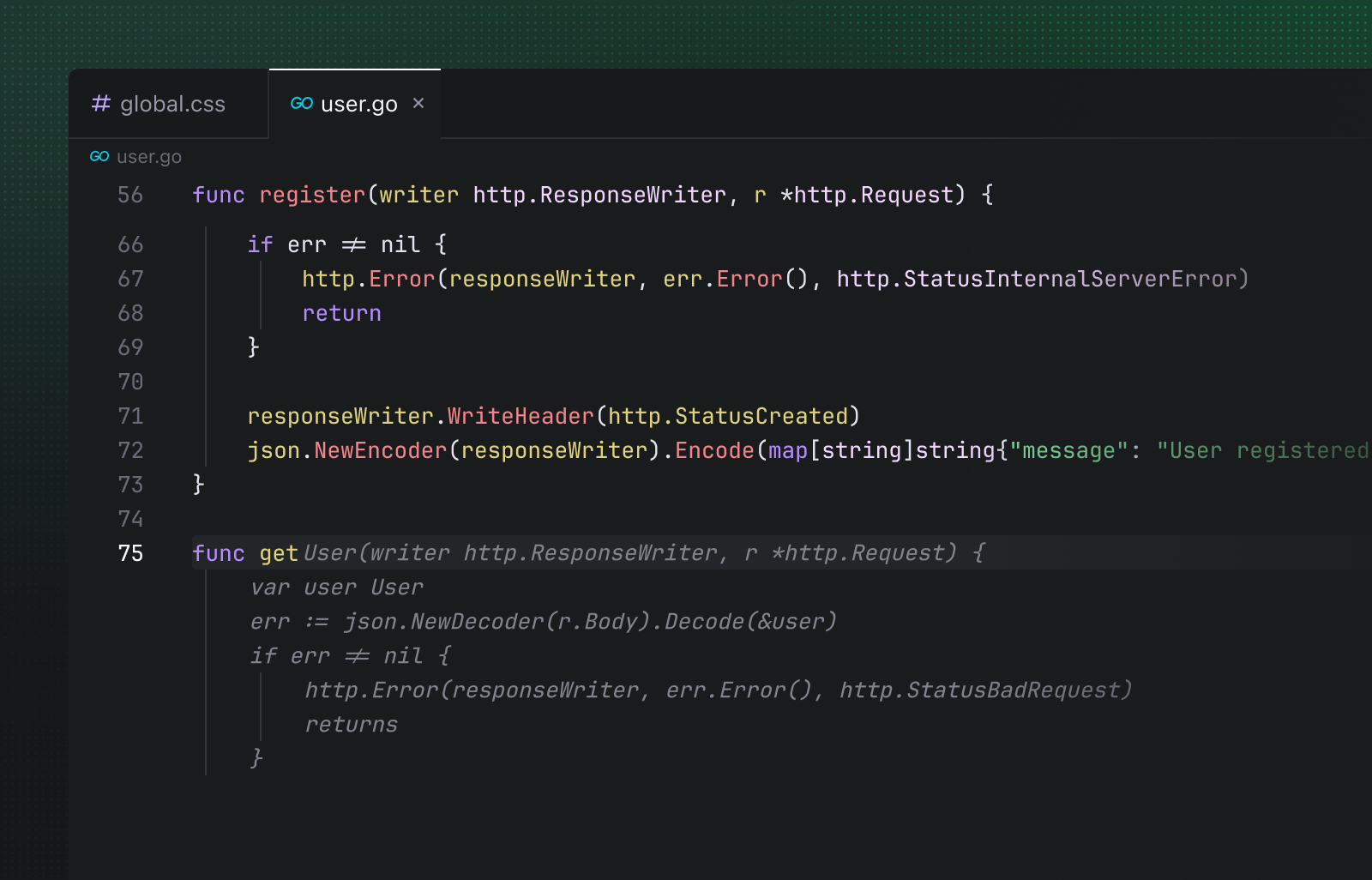
CUE, the Context Understanding Engine, is the part of Lume that writes with you rather than for you. As you type, it suggests the rest of the line or the next few lines, in grey, and you take what you want with one key. It is separate from the agent: no conversation, no task, just the next bit of code.
The keys
| Key | What it does |
|---|---|
Tab | Accept the suggestion |
Shift+Tab | Accept it line by line |
Ctrl+→ | Accept it word by word |
Alt (hold) | Preview the suggestion |
Escape | Reject it |
Taking a suggestion word by word or line by line is the quickest way to keep the part you like and type the rest yourself.
On, off, or quiet for a while
CUE's entry sits at the bottom right of the status bar. Click it to switch CUE on or off, see the keys, or Snooze it for 5, 15 or 30 minutes, or 1, 2 or 3 hours, when you want to type undisturbed. It comes back on by itself when the time is up.
Who gets it
CUE works on every Lume account, the free one included; sign in and it is there. It needs no plan and no model of your own.
More in the docs: Quickstart.